BEFORE YOU INSTALL
Every Kemo IPTV setup — on any device — needs the same three things. Have them ready and the install below takes about five minutes.
your login credentials
After checkout we email your Xtream Codes username, password and server URL, plus an M3U playlist link. Both arrive within 5–10 minutes. Keep the email open on your phone — you will type these into the player.
A stable internet connection
Plan for 15 Mbps for HD, 25 Mbps for 4K UHD, and roughly 8 Mbps per extra simultaneous stream. Ethernet beats Wi-Fi on set-top boxes; if you must use Wi-Fi, stay on the 5 GHz band.
A compatible IPTV player
Kemo IPTV is not a walled-garden app — it works through any standards-compliant player. TiviMate, IPTV Smarters Pro and IBO Player Pro are the three we recommend, and each device guide below names the best option for that hardware.
IPTV Setup GUIDES BY DEVICE
On your favorite devices
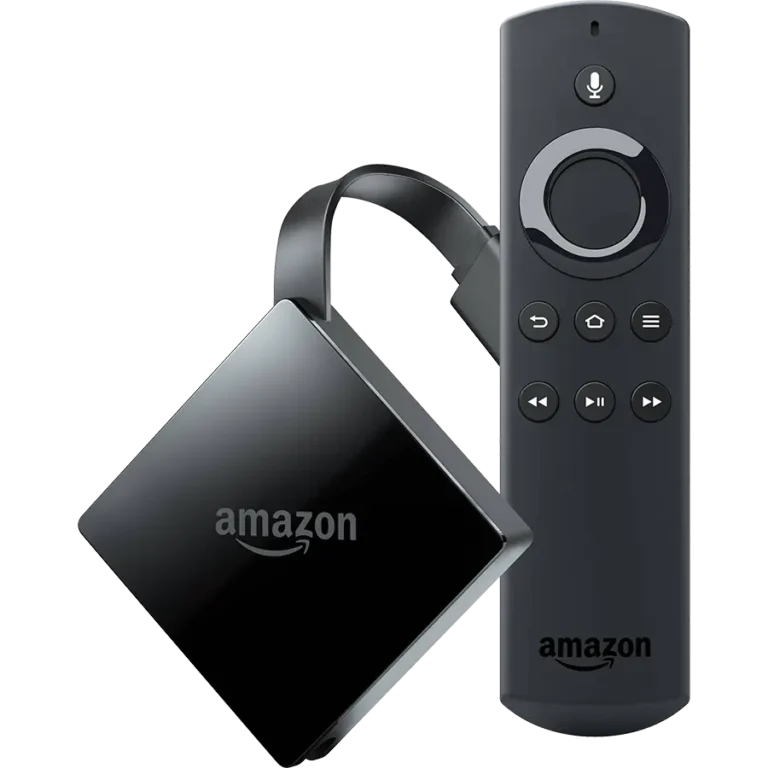
Amazon Firestick
Sideload the Downloader app, install TiviMate or Smarters Pro, then sign in with your Xtream Codes details. Works on every Fire TV Stick generation.
Firestick Setup Guide
Android & ChromeOS
Install straight from the Play Store on Android TV boxes, phones, tablets and ChromeOS. The fastest Kemo IPTV setup of the nine — no sideloading needed.
Android Setup Guide
Samsung & LG
Use IBO Player Pro from the Samsung Tizen or LG webOS store and activate it once with the device key shown on your screen. No PC required.
Samsung & LG Guide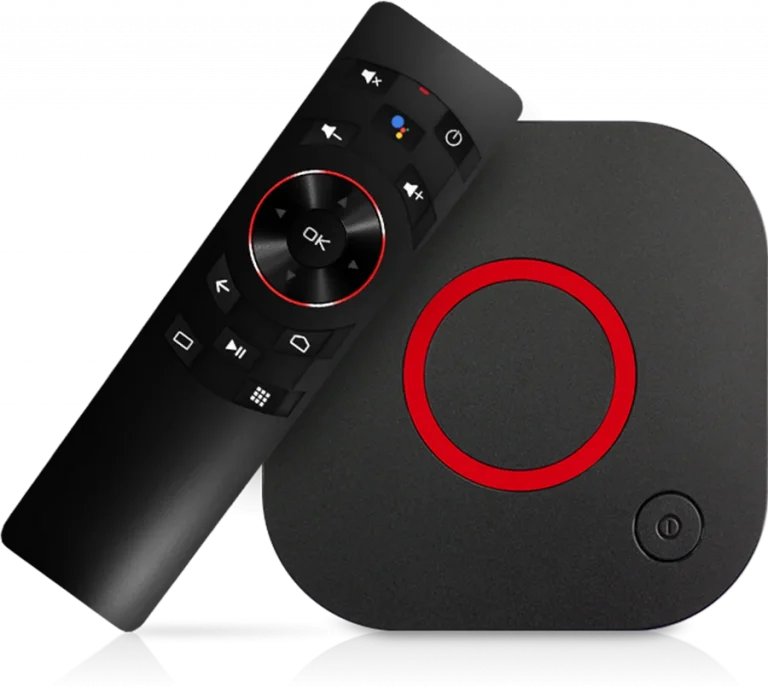
MAG BOX
Enter the portal URL in the MAG settings menu, or use StbEmu with your device MAC address. Covers MAG 250 through 424 and STB emulators.
MAG Box Setup Guide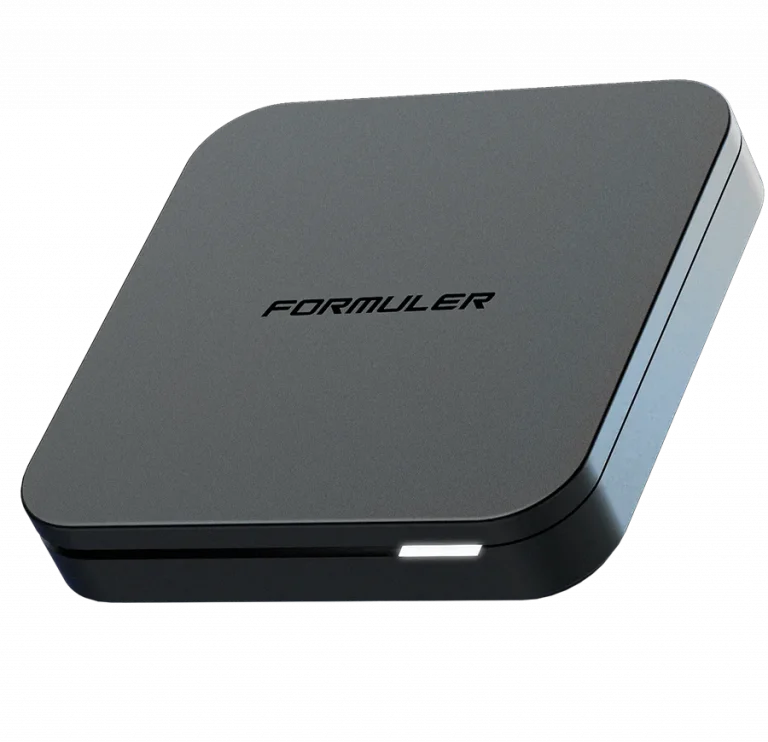
Formuler Box
Add your Kemo IPTV portal in MyTVOnline and let the guide populate. Covers Z8, Z10, Z11 and every MyTVOnline version.
Formuler Setup Guide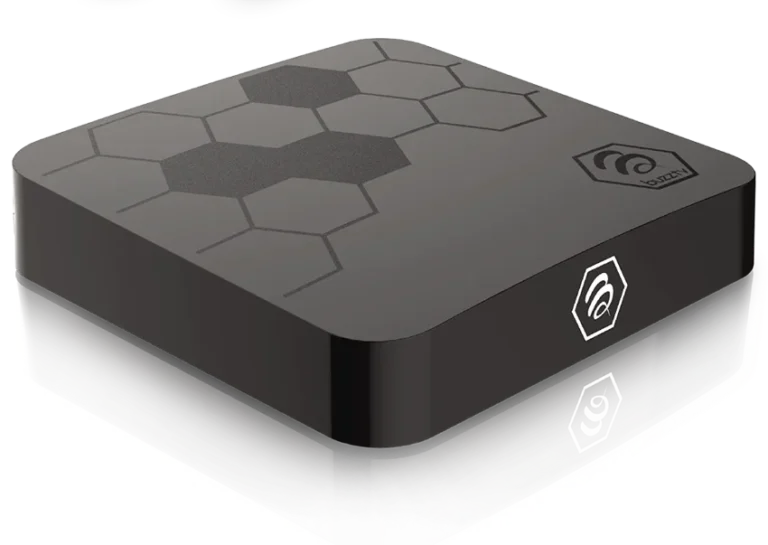
BuzzTV Box
Load your playlist through the built-in BuzzTV player or install TiviMate for a richer guide. Applies to the XRS and XR series.
BuzzTV Setup Guide
iOS & Apple TV
Install Smarters Pro from the App Store and sign in with Xtream Codes. One subscription covers iPhone, iPad, Mac and Apple TV.
iOS & Apple TV Guide
Windows
Run Smarters Pro or VLC on Windows 10 and 11. Useful for testing your login credentials before setting up a TV device.
Windows Setup Guide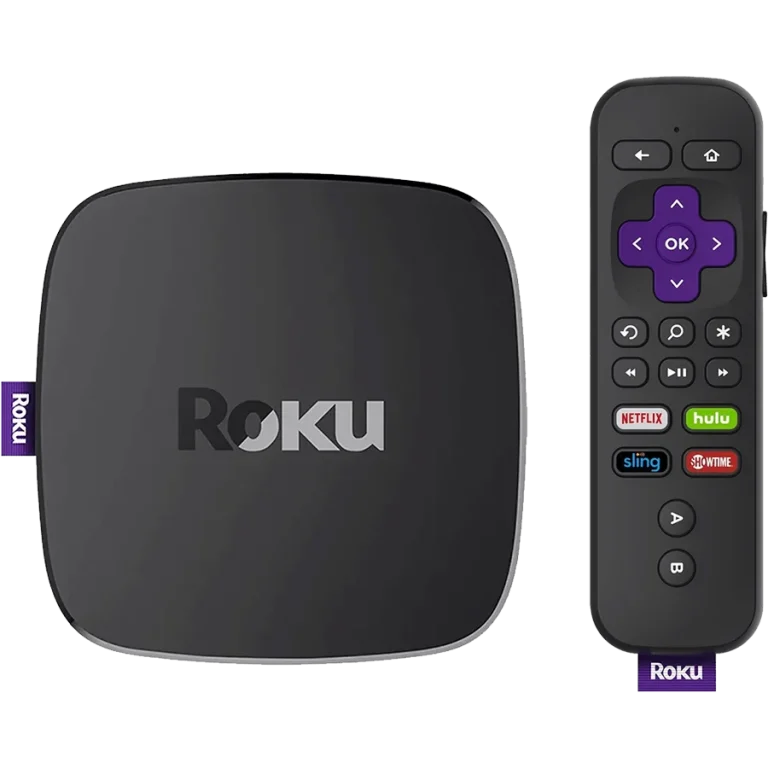
ROKU
Roku blocks third-party IPTV apps, so this guide covers screen mirroring from a phone or PC — the only reliable route on Roku hardware.
Roku Setup GuideIf the setup does not work first time
Work through these in order before contacting support — they resolve the large majority of failed IPTV installations.
- Re-check the server URL. It must include http:// and the port number, with no trailing slash and no spaces at either end.
- Confirm your subscription is active. Activation completes within 5–10 minutes of payment; logging in before then returns an authentication error.
- Restart the device fully rather than just closing the app. Set-top boxes in particular hold stale network state until power-cycled.
- Try the M3U link instead of Xtream Codes, or the reverse. If one method connects and the other does not, the problem is the player, not your account.
- Test on a second device. A working stream elsewhere isolates the fault to the first device network or app version.
Need Instant Help Setting Up Your Device?
Our 24/7 technical support team is available on WhatsApp to guide you through installation in minutes.
TWO WAYS TO CONNECT
Your subscription email contains both a set of Xtream Codes credentials and an M3U playlist link. They deliver the same channels — the difference is what your player does with them.
| Comparison criterion | Xtream Codes API | M3U Playlist URL |
|---|---|---|
| What you enter | Server URL, username, password | One long playlist link |
| Channel logos & EPG | Loaded automatically | Often needs a separate EPG link |
| Movies & series library | Full VOD catalogue, sorted into categories | Flat list, harder to browse |
| Best for | TiviMate, IPTV Smarters Pro, IBO Player Pro | VLC, Kodi, older Smart TV apps |
| Our recommendation | Use this wherever possible | Fallback for players without API support |
If your player offers both, choose Xtream Codes. It pulls the electronic programme guide, channel artwork and the full the service movie catalogue in one step, and it lets you reconnect later without re-pasting a long URL.
WHICH PLAYER SHOULD YOU USE?
All three are free to install and work with the same the service credentials. Pick by device and by how much control you want over the channel list.
TiviMate
Best on Firestick & Android TV
The most polished guide layout of the three, with proper recording and multi-view on the premium tier. Remote-first design, so it is the natural choice for anything you drive with a TV remote rather than a touchscreen.
IPTV Smarters Pro
Best all-rounder
Runs on nearly everything — Android, iOS, Windows, macOS and most Smart TVs — so it is the easiest way to put the service on several different devices without learning a new interface each time.
IBO Player Pro
Best for Samsung & LG
Available directly from the Samsung and LG app stores, which avoids sideloading entirely on Tizen and webOS sets. Activation is done once from a browser using the device key shown on screen.
IPTV Setup Questions
The issues our support team is asked about most during installation.
How long does IPTV setup take?
Around five minutes on most devices once your credentials have arrived. Firestick and Android boxes take longest because the player has to be sideloaded first; Samsung, LG and iOS are quicker since the app installs from the official store.
Do I need a VPN?
Not for the service to work. Some internet providers throttle sustained video traffic, and a VPN can help if you see buffering that only appears at peak hours. If you do use one, pick a server close to you — a distant endpoint adds latency and usually makes playback worse.
Can I watch on more than one device?
You can install the player on as many devices as you like, but simultaneous streams are limited to the number of connections on your plan. A single-connection plan plays on one screen at a time; multi-connection plans are available at checkout for households watching in several rooms.
Why do some channels buffer while others are fine?
Almost always a bandwidth or player-buffer setting rather than the server. Raise the buffer size in your player, switch the device from Wi-Fi to Ethernet if possible, and try the channel's alternative stream where one is listed. If a specific channel is consistently bad, message support and we will move you to a different source.
My login says “invalid credentials” — what now?
Nearly every case is a typing error: the username and password are case-sensitive, and the server URL must include http:// and the port number exactly as sent. Copy and paste rather than retyping where your device allows it. If it still fails, your subscription may not have finished activating — check the confirmation email timestamp before contacting us.
Will my setup survive a device reset or app update?
App updates keep your playlist. A factory reset wipes it, so keep the original credentials email — re-entering it restores everything, including your favourites in players that sync them. your subscription is tied to the account, not the hardware, so moving to a new device costs nothing.