KEMO TV KNOWLEDGE BASE Official Guides

Kemo IPTV Blog & Guides

In-depth tutorials, Firestick walkthroughs, IPTV player comparisons, and expert tips to optimize your 4K streaming experience.

KNOWLEDGE BASE FAQ

FREQUENTLY ASKED QUESTIONS

Got questions about our guides, setup codes, or IPTV streaming? We've got answers.

What is the official Downloader code for Kemo IPTV?

+

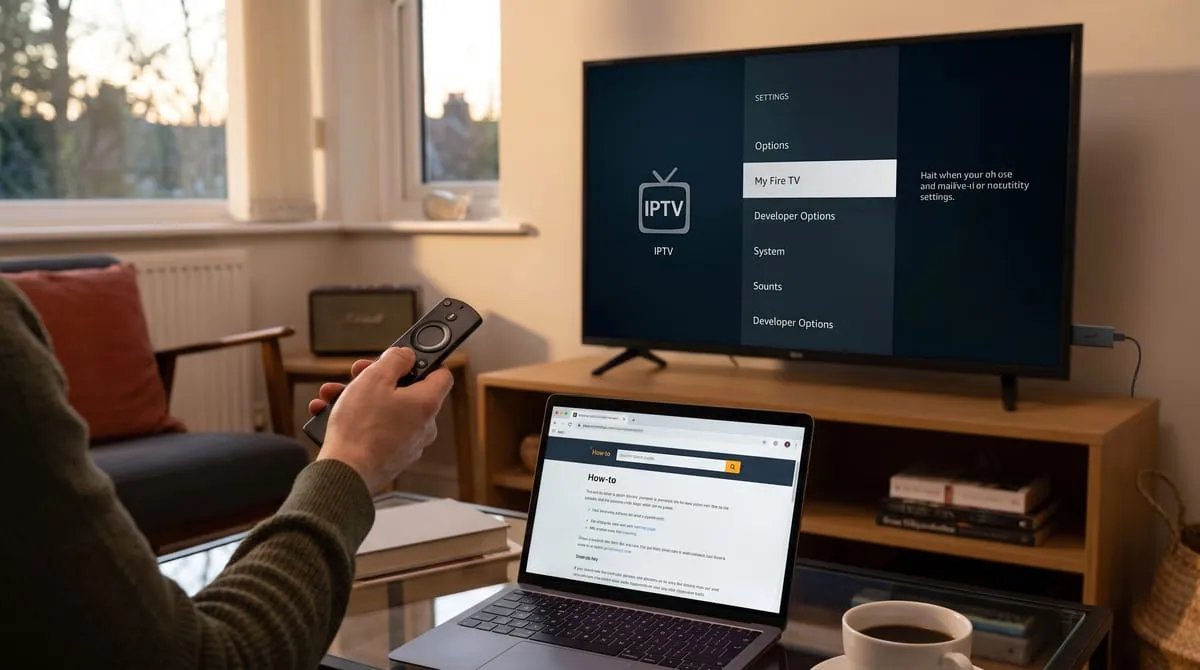
The official Downloader shortcode to install the Kemo IPTV player directly onto your Amazon Firestick or Android TV is 366972. Enter this code into the Downloader search box for instant download.

Which IPTV player is recommended for the best 4K quality?

+

For Amazon Firestick and Android TV, we strongly recommend TiviMate Pro or IPTV Smarters Pro. For Samsung and LG Smart TVs, IBO Player Pro provides the smoothest 4K playback and fastest EPG loading.

Do I need a VPN to watch Kemo IPTV without buffering?

+

Kemo IPTV servers do not restrict IP addresses. However, if your Internet Service Provider (ISP) throttles streaming bandwidth during live sports (Premier League, UFC), using a VPN is recommended for buffer-free playback.

How fast are subscription credentials delivered after ordering?

+

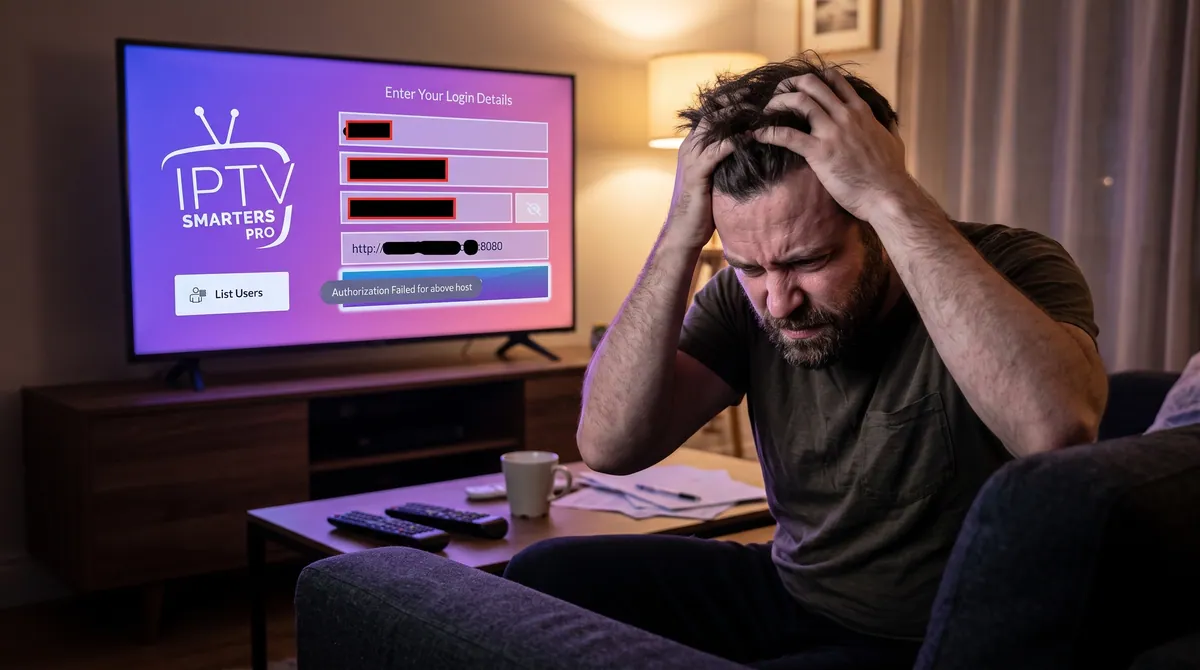
Activation is fully automated. Your M3U playlist link, EPG guide URL, and Xtream Codes login credentials (Server URL, Username, and Password) are delivered to your email and WhatsApp within 5 minutes.

Can I request a custom guide for my specific TV or device?

+

Yes! If you have a unique setup (MAG box, Formuler, Apple TV, Enigma2), simply message our technical support team on WhatsApp and we will send you step-by-step instructions for your device.

What if I need 1-on-1 technical help with setup?

+

Our senior technical support team is online 24/7 on WhatsApp to assist you with remote app installation, playlist configuration, and line optimizations.

START YOUR KEMO TV
EXPERIENCE TODAY!

Join thousands of satisfied customers worldwide and stream 28,000+ live premium channels & 120,000+ VODs in crystal clear 4K quality.