1. Open the Google Play Store, search for TiviMate IPTV Player, and click on "Install".

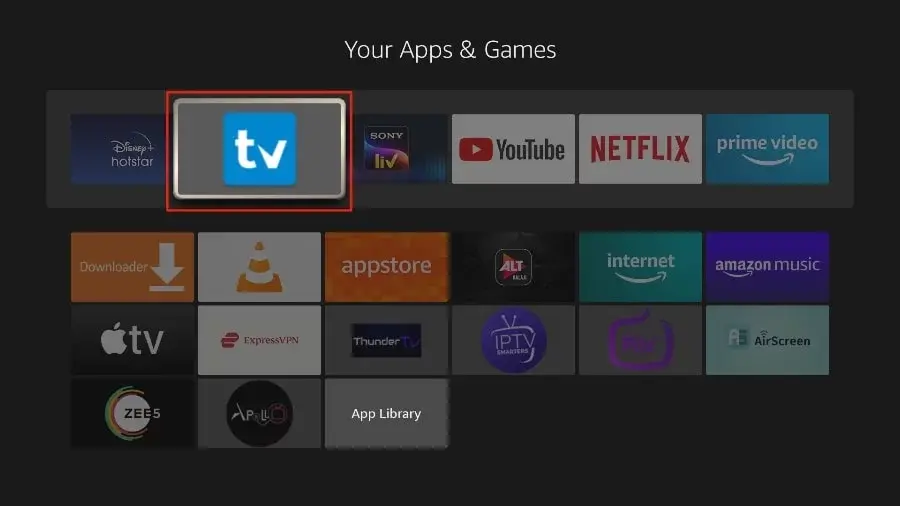
1. Open the TiviMate app.
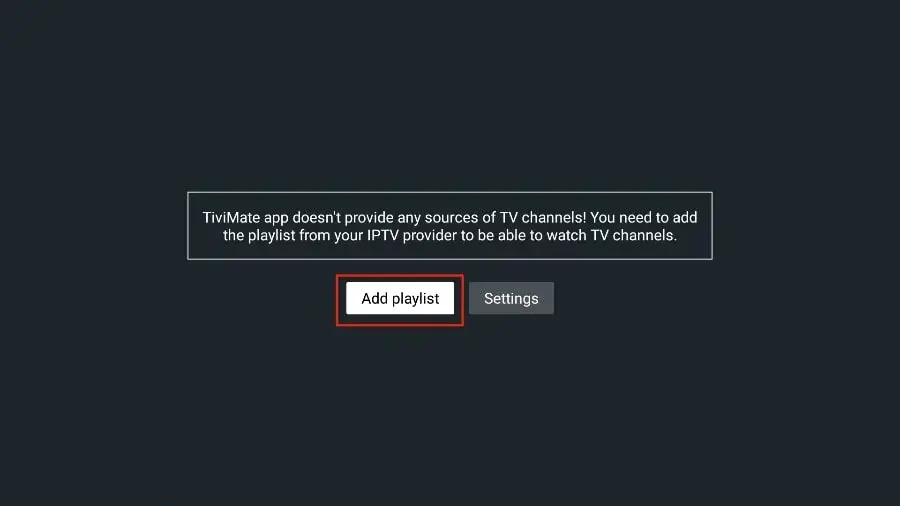
2. Select "Add playlist".
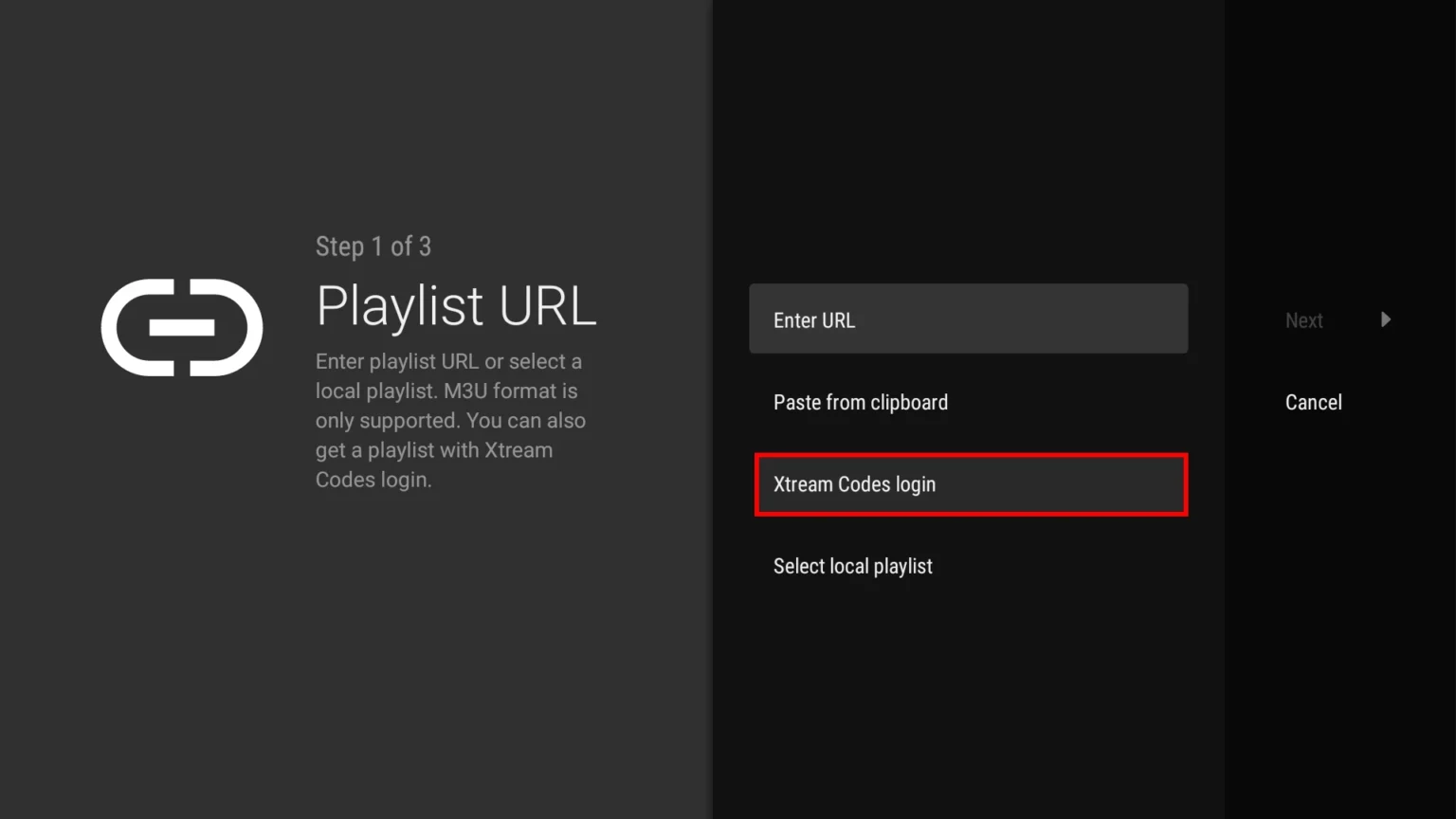
3. TiviMate will prompt you to add a playlist using an Xtream code, M3U link or Stalker portal. Click on "Xtream Codes login" and then "Next".
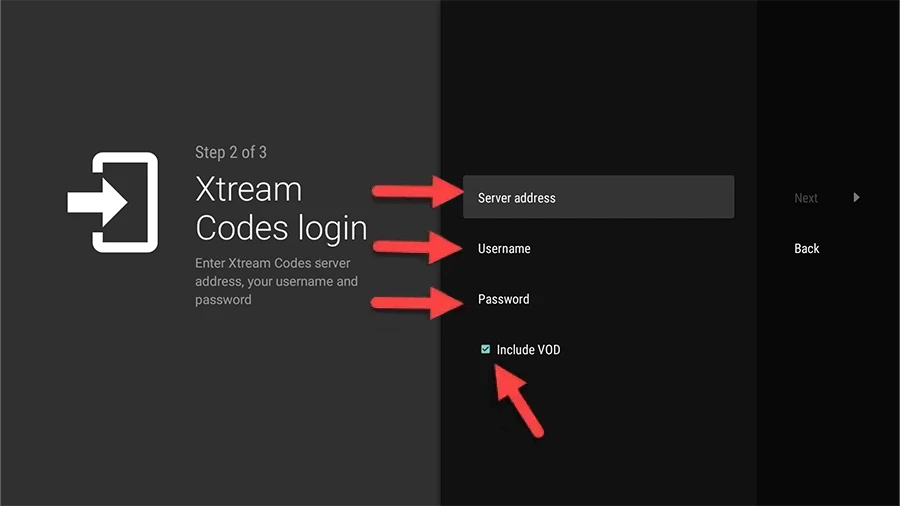
When you subscribe to Kemo TV, you'll receive an email containing your login details. Get Your Kemo IPTV Subscription and use your Xtream Codes login credentials (Server Address, Username and Password), then check "Include VOD" if you want VOD content.
Go on and the channels will appear after a while
Congratulations! You've now completed the setup of the TiviMate app for seamless streaming.
What to Know Before Using the Service with TiviMate
You can access Live TV channels exclusively through TiviMate IPTV Player, which requires a premium subscription for added features such as adding channels to favorites, recording, and watching movies and series. Additionally, with a single premium subscription, you can use the app on up to 5 devices. Despite the subscription requirement, TiviMate IPTV Player offers great value and superior functionality compared to other apps, which is why we highly recommend it for the best service experience.
If you want to purchase the TiviMate premium app, you can do so directly from your Android TV or Box. Simply open the TiviMate IPTV Player, select ‘Settings,’ click on ‘Unlock Premium,’ and then create an account to complete your purchase.
TiviMate: Android Tips & Troubleshooting
How to unlock TiviMate Premium features?
To unlock recording, multi-screen, and custom EPG logos, install the TiviMate Companion app on an Android device or Google Play to purchase a TiviMate Premium license.
EPG TV Guide Not Loading?
Go to TiviMate Settings > Playlists > Kemo IPTV > EPG Sources and click Update EPG. Ensure your device has an active internet connection.
Audio / Video Out of Sync?
Go to Settings > Playback > Audio > Audio decoder and switch from Hardware to Software decoder (or enable AFR - Auto Frame Rate).
TiviMate: Frequently Asked Questions
Is TiviMate free to use?
The free tier plays every channel on your plan. Recording, multiple playlists, and custom logos need the TiviMate Premium licence, which you buy from TiviMate rather than from us.
How do I add my playlist?
Open TiviMate, choose “Add playlist”, pick “Xtream Codes”, and enter the username, password, and server URL from your Kemo IPTV activation email.
Does TiviMate work on phones and Chromebooks?
TiviMate is built for Android TV. It will install on phones and Chromebooks, but the interface is remote-driven, so a TV box or Chromecast with Google TV is the better home for the service.
Why is the TV guide empty?
TiviMate downloads the guide separately from the channel list. Open Settings > Playlists > your playlist > EPG sources and run “Update EPG”; the first sync takes a minute or two.