USA IPTV • FIRESTICK & SMART TV READY INSTANT ACTIVATION • 24/7 SUPPORT

Kemo IPTV Subscription
55,782+ Channels & VOD for USA Viewers

Compare IPTV subscription plans for live TV and on-demand entertainment in the USA, with simple setup guides for Firestick, Smart TV, Android, iPhone and Windows.

55,782+ Live Channels
231,785+ VOD Movies & Shows
1–4 Simultaneous Streams
5–10 Minute Activation

What's Included in Every Plan

4K

HD & 4K Streaming

Available stream quality depends on the channel, device and connection.

55,782+ Live Channels

Browse USA and international live TV categories.

231,785+ Movies & Series

Explore movies and series through the on-demand library.

Multi-Device Support

Watch on Firestick, Smart TV, Android, iOS, Windows & MAG.

Kemo IPTV Service for Firestick, Smart TV and Mobile

Kemo IPTV is a subscription service for USA viewers who want live TV and on-demand entertainment on devices they already own. It works with compatible IPTV players on Amazon Firestick, Android TV, Samsung and LG Smart TVs, iPhone, iPad and Windows.

Every plan includes the same channel and on-demand access. Choose a 1, 6 or 12-month term, then select one to four simultaneous connections based on how many screens will be streaming at the same time.

Instant Activation
Firestick Setup Guides
USA & International TV
WhatsApp Support
IPTV service on Firestick, Smart TV, phone and computer

What Is Kemo IPTV and How Does It Work?

A plain explanation of what you are buying, what arrives in your inbox, and what happens on your screen.

Kemo IPTV — also sold under the name Kemo TV — is an internet television subscription. Instead of a satellite dish or a cable line running into your house, the channels reach you over your existing broadband connection. That is the whole difference in one sentence — the picture arrives as data, the same way a video on your phone does, so nothing needs to be installed on your roof or drilled through a wall.

What you actually receive after ordering is a set of login credentials: a server URL, a username and a password — the format usually called Xtream Codes API — or an M3U playlist link if your player prefers that. You type those details once into an IPTV player app on the device you already own. The app contacts the server, downloads the channel list and the programme guide, and from then on it behaves like a television. There is no proprietary box to buy and nothing to plug in.

Because the credentials are tied to your account rather than to a single piece of hardware, you can move between devices freely. Set it up on a Firestick in the living room today, add it to your phone before a flight, then put it on a laptop while travelling — the same Kemo TV login works everywhere. What your plan controls is how many of those screens can stream at the same time, which is the device count you pick at checkout.

Delivered over broadband

No dish, no cable installation, no engineer visit. A stable connection is the only requirement.

Login details, not hardware

Your Kemo IPTV credentials — server URL, username and password — arrive by email or WhatsApp, typically within 5 to 10 minutes.

Works with standard players

TiviMate, IPTV Smarters Pro and IBO Player Pro all accept Kemo TV credentials. You are not locked into one app.

Move between devices

Switching from a Firestick to a Smart TV costs nothing. Your plan sets how many screens stream simultaneously.

Simple plans. Premium viewing.

Choose your Kemo IPTV subscription plan.

Every plan includes 55,782+ live TV channels, 231,785+ movies and series, live sports, EPG on supported players and 24/7 support. Select the device allowance that fits your household.

Flexible start

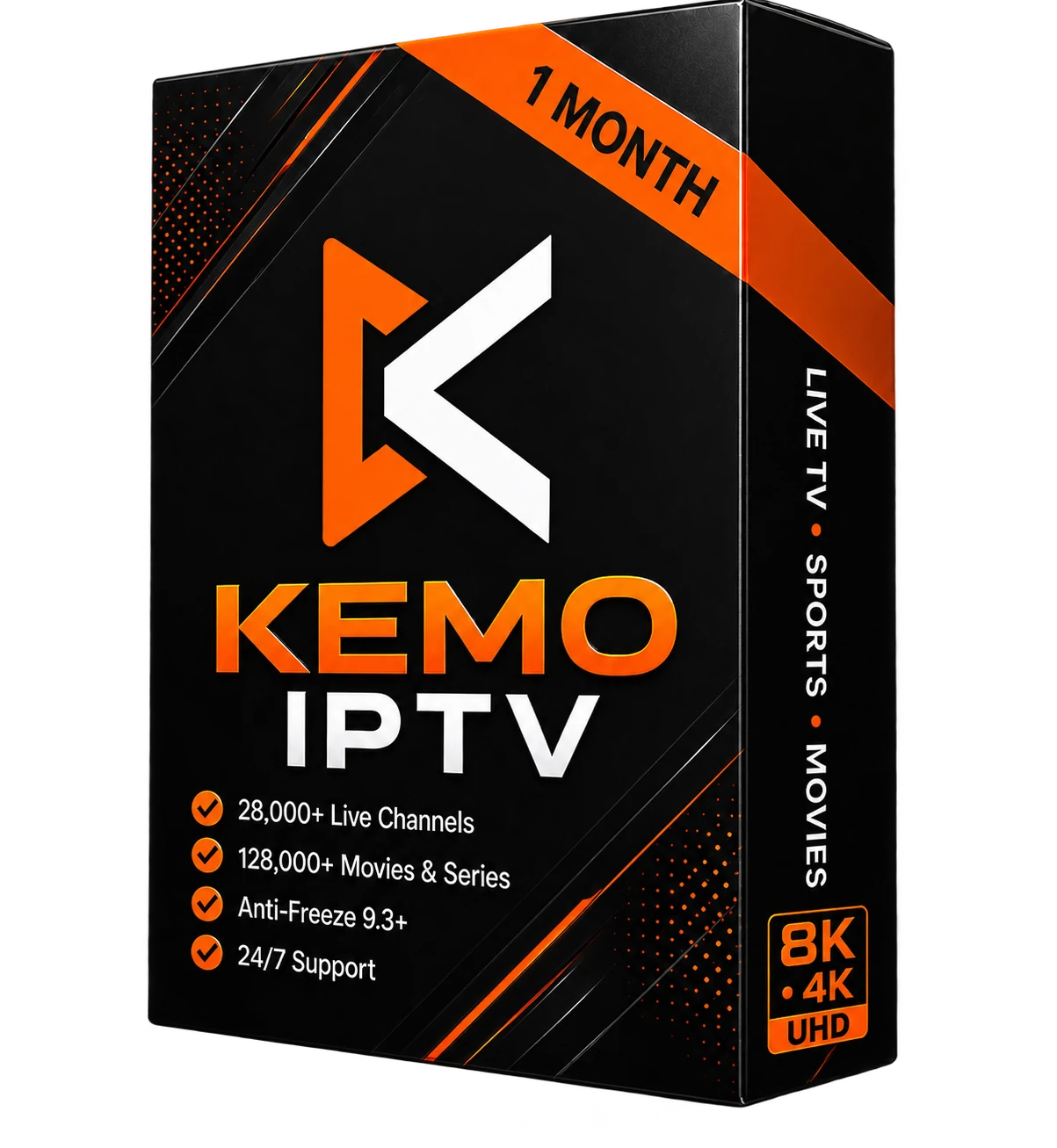
1 Month

Kemo IPTV 1 month subscription package with 55,782+ live channels and 231,785+ movies and series
$15 .99/monthly

For 1 device · one-time payment

  • Live TV & On-Demand Library
  • HD & 4K Where Available
  • Electronic Program Guide
  • Selected Simultaneous Streams
  • Firestick, Smart TV & Mobile
  • Setup & Support Help
Order on WhatsApp
Payment options sent on WhatsApp
Popular mid-term plan

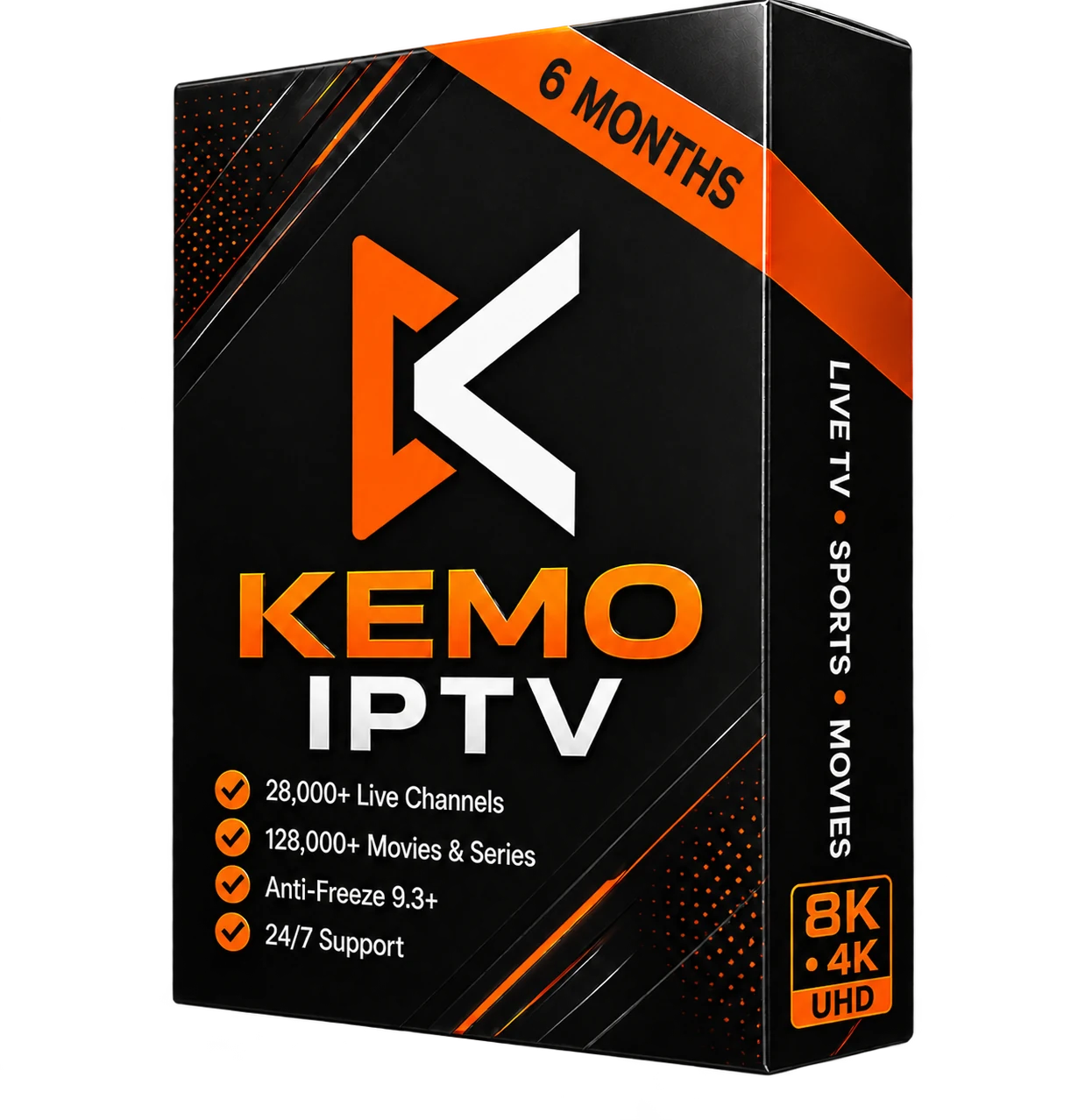
6 Months

Kemo IPTV 6 month subscription package with 55,782+ live channels and 231,785+ movies and series
$49 .99/semi-annual

For 1 device · one-time payment

  • Live TV & On-Demand Library
  • HD & 4K Where Available
  • Electronic Program Guide
  • Selected Simultaneous Streams
  • Firestick, Smart TV & Mobile
  • Setup & Support Help
Order on WhatsApp
Payment options sent on WhatsApp

Product artwork © 2026. Image-use terms. Request reuse permission.

Need help choosing a device or app? Use the assisted order setup.

START STREAMING IN 3 SIMPLE STEPS

Choose a Kemo IPTV plan, receive your login details and follow the setup guide for your device.

1

CHOOSE PLAN

After purchase, you will receive your activation code via email or WhatsApp.

2

GET ACCOUNT

Download an IPTV app (e.g., TiviMate, IPTV Smarters, or IBO Player) on your device.

3

ENJOY WATCHING

Enter your login details in the app and enjoy 55,782+ channels & 231,785+ VODs instantly!

What Can You Watch on Kemo IPTV?

Live sport, national networks, premium film channels and an on-demand library, across United States, United Kingdom, Canadian and international feeds. Full category listings are on the channels page.

Live sport and pay-per-view

The Kemo TV sports categories cover the American leagues most viewers ask about — NFL, NBA, MLB, NHL and college fixtures — alongside combat sport and pay-per-view events including UFC and boxing cards. European football is carried too, with Premier League and Champions League fixtures among the listings.

Availability of any individual match depends on the feeds active at the time. If a specific league or event matters to you, ask before ordering and we will check it.

US networks and premium film

National broadcast networks such as ABC, NBC, FOX and CBS sit alongside sports networks like ESPN and premium film channels including HBO and Showtime. Factual and lifestyle programming runs through Discovery, History and Bravo, with news from CNN and the other major cable news outlets.

Local affiliate feeds are included for many metropolitan areas in addition to the national channels.

UK, Canada and international

United Kingdom and Ireland viewers will find the BBC and Sky networks in the listings. Canadian Kemo TV subscribers get both English and French feeds. Beyond that, European lineups span France, Germany, Spain, Italy and Portugal, with Arabic and Middle East networks also carried.

Useful if you have moved abroad and want channels from home, or you follow a league that only airs on a broadcaster in another country.

On-demand films and series

Beyond live television there is a large on-demand library of films and box sets, browsable by genre in the same app you use for live channels. Family and children's programming sits in its own categories, including Disney and the main kids' networks.

The on-demand catalogue is included with every Kemo IPTV plan — there is no separate charge or higher tier for it.

Channel line-ups change as feeds are added and removed. The full channel and category list is kept current, and support can confirm a specific channel before you subscribe.

What You Need Before You Subscribe

Three things, and none of them cost money. Checking them first avoids most of the problems people run into on day one.

A connection that can carry the stream

A stable 15 Mbps is a sensible floor for HD and roughly 25 Mbps for 4K. The word doing the work there is stable — a connection that bursts to 200 Mbps but drops for two seconds every few minutes will stutter where a steady 20 Mbps will not. Each simultaneous stream needs its own share of that bandwidth, so a two-stream plan on a 20 Mbps line is asking more than the line can give during peak evening hours. If you can run a wired Ethernet cable to the device that matters most, do it; Wi-Fi is the single most common cause of a picture that freezes only sometimes.

A device that runs a standard player

Amazon Firestick, Android TV boxes, Samsung and LG Smart TVs, iPhone, iPad, Apple TV, Windows and Mac all work. Kemo TV is not tied to particular hardware — what matters is that the device can install an IPTV player such as TiviMate, IPTV Smarters Pro or IBO Player Pro. The one genuine exception is Roku, which blocks third-party IPTV apps at the platform level. Roku owners can still watch by mirroring from a phone or PC, but it is a workaround rather than a native setup, and it is worth knowing that before you order rather than after.

Ten minutes and a willingness to type

This is not a plug-and-play box. You will install an app, then type a server URL, a username and a password into it once. On a Firestick that means sideloading the player first, which takes a few extra minutes. None of it is difficult and the device setup guides cover each step, but if you would rather not do any of it yourself, say so when you order and support will walk you through it on WhatsApp.
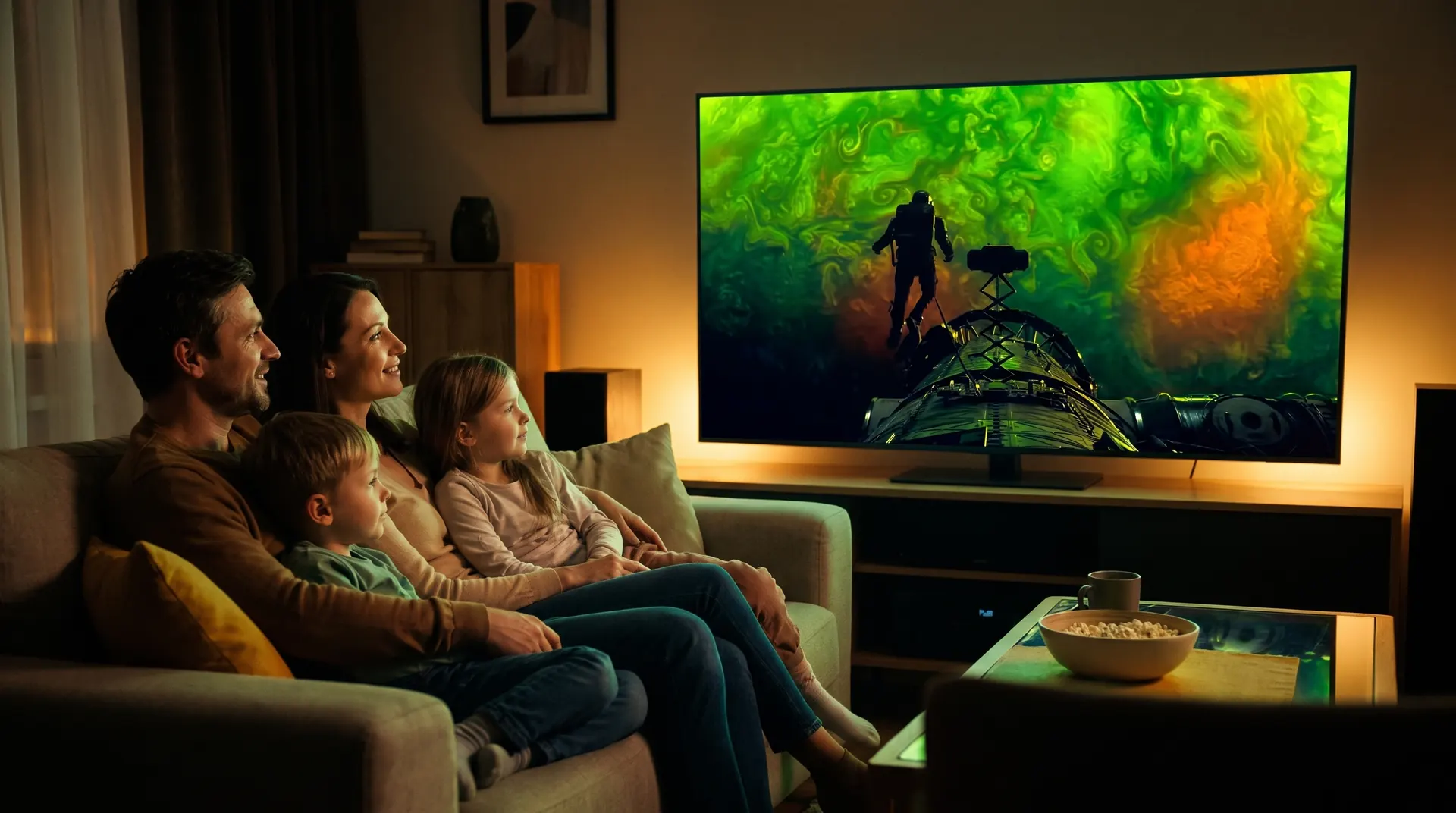
STREAM KEMO IPTV ON ANY DEVICE.

On your favorite devices — no proprietary box required

Kemo IPTV is delivered through standard streaming protocols, so it runs on hardware you already own. Amazon Fire TV and Android boxes install a player by sideloading; Samsung Tizen and LG webOS take IBO Player Pro straight from their own app stores; iPhone, iPad, Apple TV, Windows and macOS use IPTV Smarters Pro. MAG boxes and STB emulators connect by portal URL, and Formuler devices use MyTVOnline. The only device that needs a workaround is Roku, which blocks third-party IPTV apps — there, screen mirroring from a phone or PC is the reliable route. Whichever you pick, the same Kemo IPTV credentials work, and switching devices later costs nothing.

Common Kemo IPTV Problems and How to Fix Them

Four issues account for most support messages. Each has a short answer here and a full walkthrough if the short answer is not enough.

The picture buffers or freezes

Start by ruling out your own network before anything else. Run a speed test on the device that is buffering — not on your phone next to the router — because the number that matters is what reaches the television. If a Firestick is on Wi-Fi two rooms from the router, that is very often the whole problem. Switch to Ethernet or move the router, then retest.

If the connection is solid and one specific channel still stutters while others play cleanly, the issue is that feed rather than your setup, and support can move you to an alternative. Buffering that starts suddenly across every channel during a major live event is usually load, and usually passes.

Full buffering and freezing troubleshooting guide →

“Authorization failed” or “failed to authorize”

Nearly always a typing error rather than an account fault. The server URL has to be entered exactly, including http:// and the port number, with no trailing slash and no autocorrected capital letter at the start. Usernames and passwords are case sensitive, and phone keyboards love to capitalise the first character of both.

Copy and paste the details straight from your activation message rather than retyping them. If it still refuses on an LG or Samsung set specifically, check whether the same credentials work on a phone — that tells you instantly whether the problem is the account or the television.

Full “failed to authorize” fix guide →

The TV guide (EPG) is empty

The programme guide downloads separately from the channel list, so an empty guide on a working channel list is normal on first launch. In TiviMate, open Settings → Playlists → your playlist → EPG sources and run an update; the first sync can take a couple of minutes. Most players have an equivalent manual refresh.

Guide data is also patchier on some international feeds than on major US and UK networks. That is a property of the source, not something a different app will fix.

A channel that worked has disappeared

Line-ups are not static. Feeds get renamed, renumbered, moved between categories or dropped, and your app may be showing a cached list from days ago. Force a playlist refresh in the player first — that alone resolves a good share of “missing channel” reports.

If it is genuinely gone, message support with the channel name. Being specific about which channel and which category gets a faster answer than reporting that “some channels are missing”.

Still stuck? Message support on WhatsApp with your device, your player app and what the screen actually says. Those three details usually turn a long exchange into a one-message answer.

Why Viewers Choose Kemo IPTV Over Cable

Most people who switch are not chasing more channels. They are trying to stop paying for a bundle they never finish watching, on a contract they cannot leave.

No contract, no equipment rental

You pay for a fixed term — 1, 6 or 12 months — and it ends when it ends. There is no box to return, no line rental, and no early-termination fee.

Runs on hardware you already own

Kemo TV runs on a Firestick, an Android box, a Samsung or LG Smart TV, an iPhone or a Windows laptop. If it runs a standard IPTV player, it works — nothing extra to buy.

One to four simultaneous streams

Pick the number of screens that matches your household rather than paying for a multi-room package you do not need. Every plan carries the same channel access.

Setup help from a person

Written Kemo IPTV guides cover each device step by step, and if one does not fit your situation you can message support directly on WhatsApp rather than queueing on a phone line.

Fast activation

Login details usually arrive within 5 to 10 minutes of payment being confirmed. Orders that need a manual check can take longer, and we will tell you if yours does.

7-day money-back window

If the service does not work for your setup, the refund policy sets out the conditions and how to claim. Read it before ordering.

Coverage in the USA, UK and Canada

Most Kemo IPTV subscribers are in the United States, but the service — listed by some resellers as IPTV Kemo — is not limited to one country.

United States Kemo TV viewers get national networks, regional sports and local affiliate feeds for many metropolitan areas. United Kingdom and Ireland subscribers get the BBC and Sky networks. Canadian subscribers get both English and French language feeds. European, Arabic and Middle East lineups are carried as well, which matters if you have moved countries and want the channels you grew up with.

Because delivery is over your own broadband, the practical limit is your connection rather than your postcode. A stable 15 Mbps is a sensible floor for HD and around 25 Mbps for 4K, with each simultaneous stream needing its own share of that bandwidth. Wired Ethernet is steadier than Wi-Fi if you have the option, particularly for live sport where a dropout is most noticeable.

Not sure whether the channels you care about are carried in your region? Message support with the list before you order — it is a faster answer than subscribing and finding out.

Worth Knowing Before You Order

The things most IPTV pages leave out. Better to read them now than to discover them in week two.

Channel line-ups change

Feeds are added, renamed and removed over time. If one particular channel or league is the entire reason you are subscribing, ask support to confirm it is carried before you pay rather than assuming it from a category name.

Stream quality depends on the source

Not every channel is available in 4K, and some are HD only. The resolution you get on any given channel is a property of that feed and your connection, not something a plan upgrade changes — every Kemo IPTV term carries identical content.

Nothing renews automatically

There is no card on file and no recurring charge. When your term ends, access stops until you choose to renew. Some people prefer that; if you want uninterrupted service, set your own reminder a few days before the end date.

Read the refund conditions first

The 7-day money-back window has conditions attached, and they are set out in the refund policy. Two minutes reading it before you order is worth more than any assurance on a sales page.

Try before committing to a year

The 12-month plan is much cheaper per month, but it is the wrong first purchase if you have never run an IPTV service on your setup. Start with one month or ask about a trial, confirm your devices and connection behave, then move to the longer term.

Kemo IPTV Questions, Answered

Quick answers about devices, setup, internet speed, activation and simultaneous connections.

Are Kemo IPTV, Kemo TV and KemoTV the same service?

+

Yes. Kemo IPTV and Kemo TV are the same subscription service, and you will also see it written as KemoTV, KemoIPTV, Kemo IP TV or Kemo Sat IPTV depending on where you found it. Every one of those names points to the same plans, the same channel line-up, the same supported devices and the same support team. There is no difference in what you receive.

Which devices are supported?

+

The service supports Amazon Firestick, Android TV, Samsung and LG Smart TVs, Apple TV, iPhone, iPad, Windows, Mac and compatible IPTV boxes.

What internet speed do I need for IPTV?

+

A stable 15 Mbps connection is a practical starting point for HD and 25 Mbps for 4K. Each simultaneous stream needs its own bandwidth, and wired Ethernet is usually steadier than Wi-Fi.

How quickly will I receive my subscription details?

+

After payment is confirmed, login details are sent by email or WhatsApp. Most orders are handled within 5 to 10 minutes, but manual checks can take longer.

Does IPTV work on Amazon Firestick?

+

Yes. Amazon Fire TV devices work with compatible players such as TiviMate and IPTV Smarters. Follow the Firestick setup guide and enter the login details you receive.

How many devices can I use with one subscription?

+

Choose from one to four simultaneous connections. The right option depends on how many devices need to stream at the same time.

WATCH KEMO IPTV
ON YOUR OWN DEVICE

Choose the number of connections you need and follow the setup guide for your preferred device.

From $15.99 55,782+ channels · 7-day guarantee View Plans