Why Does IPTV Buffer and How Do You Stop It?
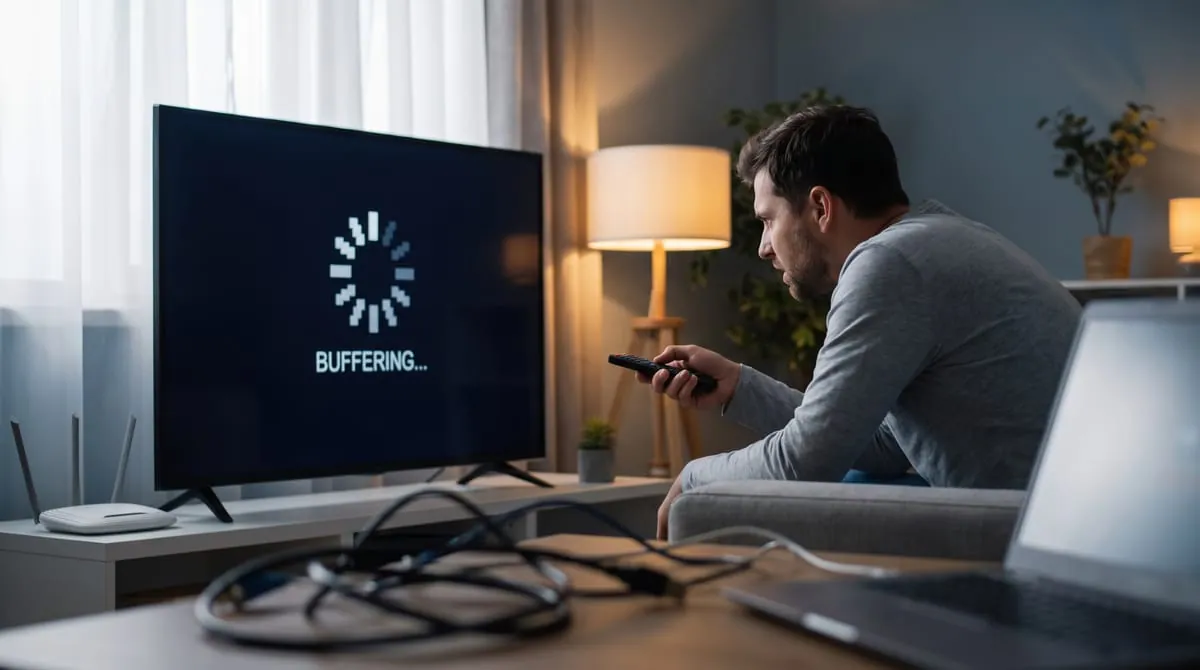
There is nothing more frustrating than having your stream freeze right as a goal is scored or a knockout lands. While cheap overloaded IPTV providers often cause lag, in over 70% of cases the issue stems from local ISP bandwidth throttling, Wi-Fi interference, or full device cache memory. Follow these 7 proven fixes to restore smooth 4K streaming.
Fix 1: Switch to 5GHz Wi-Fi or Ethernet Cable
Older 2.4GHz Wi-Fi bands suffer from severe wall interference and congestion from household appliances. Switch your streaming stick to your router's 5GHz Wi-Fi band, or use a plug-in USB Ethernet adapter to hardwire your Firestick directly to the router.
Fix 2: Increase Buffer Size in Your IPTV Player
If you use TiviMate or IPTV Smarters Pro, open Settings > Playback > Buffer Size and change it from 'None' or 'Small' to 'Medium' (3 to 5 seconds). This allows your device to pre-download video packets ahead of time, absorbing minor network hiccups without interrupting your show.
Fix 3: Bypass ISP Throttling with a VPN
Many major Internet Service Providers (ISPs) automatically detect and throttle high-bandwidth video streams during peak weekend sporting events (Premier League, NFL, Champions League). Connecting to a fast VPN encrypts your traffic so your ISP cannot see or throttle your IPTV stream.
Fix 4: Clear Player App Cache & Restart Firestick
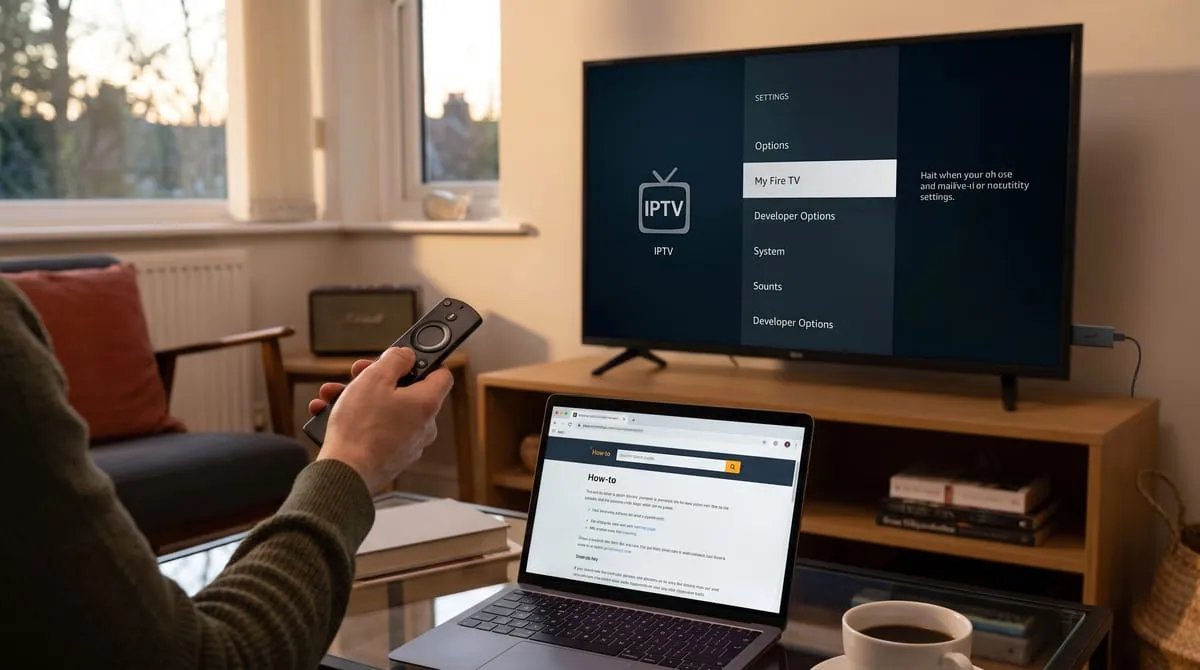
Over time, cached thumbnails and EPG logs consume your Firestick's limited internal memory. Go to Settings > Applications > Manage Installed Applications, select your IPTV player, and click Clear Cache (do not click Clear Data). Then restart your device.
Fix 5: Switch from Hardware (HW) to Software (SW) Decoding
If specific 4K 60fps channels produce audio with a black screen or stuttering frames, open player settings and toggle decoder mode between Hardware Decoder (HW) and Hardware+ (HW+) or Software (SW).
Fix 6: Change Your Router DNS to Cloudflare (1.1.1.1)
Default ISP DNS servers are often slow and frequently block IPTV domain routing. Change your device or router DNS to 1.1.1.1 (Primary) and 1.0.0.1 (Secondary) for instant routing speed increases.
Fix 7: Upgrade to an Anti-Freeze 9.3+ IPTV Provider
If you have tried all network fixes and streams still freeze during major sports events, the problem is your provider's overloaded server. Upgrading to a premium service like Kemo IPTV—which utilizes dedicated 10Gbps clusters with dynamic Anti-Freeze 9.3+ load-balancing—eliminates server-side buffering once and for all.
Enjoy Buffer-Free Streaming
Switch to Kemo IPTV today. Backed by our 7-Day Money-Back Guarantee and 24/7 WhatsApp customer support.
View Kemo IPTV Plans