Fast Setup Overview: Stream 55,782+ Channels in 5 Minutes
Setting up Kemo IPTV on your Amazon Firestick is quick, straightforward, and requires zero technical experience. Whether you own a Fire TV Stick Lite, Firestick 4K, 4K Max, or Fire TV Cube, this complete tutorial walks you through installing the player app via Downloader and loading your Xtream Codes credentials for instant buffer-free streaming.
Prerequisites: What You Need Before Starting
- An Amazon Firestick or Fire TV device connected to your Wi-Fi or Ethernet.
- An active The service subscription (credentials sent to your email/WhatsApp).
- The free Downloader app from the Amazon Appstore.
- At least 15–20 Mbps internet download speed for smooth 4K/FHD streaming.
Step 1: Enable Developer Options & Unknown Apps on Firestick
Amazon requires you to enable third-party app installations before downloading IPTV players:
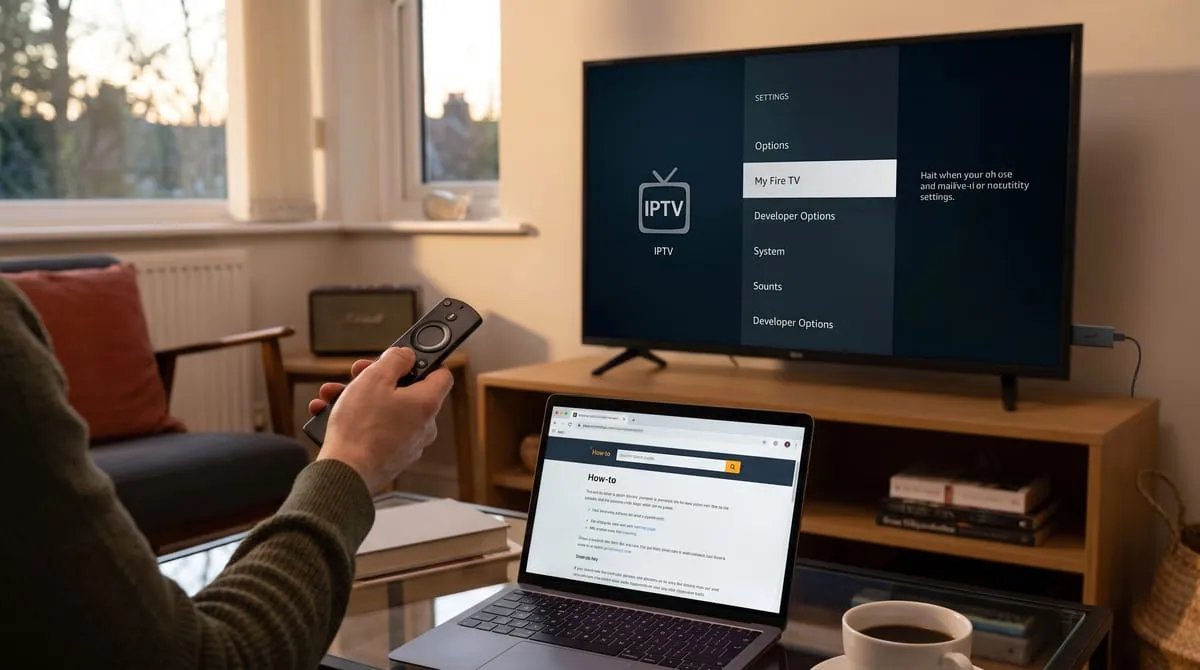
- From your Firestick home screen, navigate to Settings (Gear icon) on the right.
- Select My Fire TV > Developer Options. (Note: If Developer Options is hidden, click 'About', highlight 'Fire TV Stick', and click the remote Select button 7 times rapidly to reveal it).
- Turn ON "Apps from Unknown Sources" or select "Install Unknown Apps" and toggle Downloader to ON.
Step 2: Install Downloader and Enter Code 366972
- Open the Find > Search menu on your Firestick and type
Downloader. - Install and launch Downloader, granting storage permissions when prompted.
- In the URL / Search Term box, type the official the service shortcode: 366972.
- Click Go. Downloader will automatically redirect to the server and download the official APK.
- Click Install, then click Open once installation completes.
Step 3: Log In with Your Xtream Codes Credentials
When the app launches, choose "Login with Xtream Codes API" and enter the details from your activation email:
Any Name: Kemo TV
Username: [Your Account Username]
Password: [Your Account Password]
Server URL: http://line.kemotv.me:80
Click Add User / Log In. Your 55,782+ live channels and VOD movies will download and populate your Electronic Program Guide (EPG) in seconds!
Alternative Firestick Players (TiviMate & IBO Player)
You can also run the service on your favorite third-party player:
- TiviMate IPTV Player: Best UI, customizable grid, multi-view, and fastest channel switching.
- IPTV Smarters Pro: Great all-around player with built-in speed test and multi-screen support.
- IBO Player Pro: Lightweight player with rapid playlist parsing for 4K streams.
Frequently Asked Questions
The direct shortcode to install the official APK on Firestick is 366972.
Check your Firestick Wi-Fi signal, clear the player app cache, or use a 5GHz Wi-Fi network connection to guarantee buffer-free 4K playback.
Ready to Stream on Your Firestick?
Activate your subscription now for instant automated delivery and 24/7 WhatsApp customer setup assistance.
Order the service ($74.99/yr)